What is an AI morning briefing?
An AI morning briefing is one short list your AI assistant writes each weekday from your email and calendar plus your task list. It sorts everything into three groups:
- What needs you today
- What moved without you
- What can wait
You stop checking six apps before nine.
Most owners open the same six apps before nine o’clock, then open every one again after lunch:
- Calendar
- The task board
- The CRM
- Texts
- The accounting system
Each switch costs more than the minute it takes, because you lose the thread of what you were doing.
The apps are fine. The problem is using them as your checklist.
Which apps should an AI briefing read?
Several AI assistants can now read your email and calendar together, and some can run on a schedule. You do not need to connect everything. Start with the three you open most.
What prompt sets up a daily AI briefing?
Every weekday at 7 a.m., read these together:
- My email
- My calendar
- My task list
Give me three sections:
- DO – needs me today, with why
- KNOW – moved without me
- LATER – parked
Ten items maximum. Tell me if two things collide on my calendar.
Why does the DO / KNOW / LATER format work?
Without structure you get a wall of text that is no easier than the apps. DO / KNOW / LATER forces the AI to make a call on every item, and the ten-item cap forces it to leave things out. That is exactly what you want from an assistant.
What changes when you get one briefing?
You open one thing in the morning. The apps are still there and still work – you just stop using them as a to-do list.
How do I keep an AI briefing safe and accurate?
- Start read-only. Let it read and summarize before you let it change anything.
- Spot-check for a week. Open the items it puts in DO and confirm they belong there.
- Watch what it cannot see. If a client texts you, an email-only briefing will miss it. Ask it to list which sources it read.
When does a briefing need a real build?
A briefing across three apps is a weekend project. A briefing that reads every system you run, and notices what fell between them, is a real build. That is where most businesses want help, and it is the work we do.
Frequently asked questions
Can AI send me a briefing automatically every morning?
Some AI assistants can run a saved prompt on a schedule. Others need a small automation to trigger it. Start by running the prompt by hand for a week.
Does an AI briefing change anything in my apps?
It shouldn’t at first. Start read-only and let it summarize before you allow any changes.
What if a client texts me instead of emailing?
An email-only briefing will miss it. Ask the AI to list which sources it read so you know what it could not see.
Benji Burrell, the Mountain AI Guy, shared this tip at the Asheville Area Chamber Smart Series. Good People Technologies helps small businesses put AI to work safely across:
- Western North Carolina
- East Tennessee
- Upstate South Carolina
Want help with the harder ones? Book an AI readiness call.
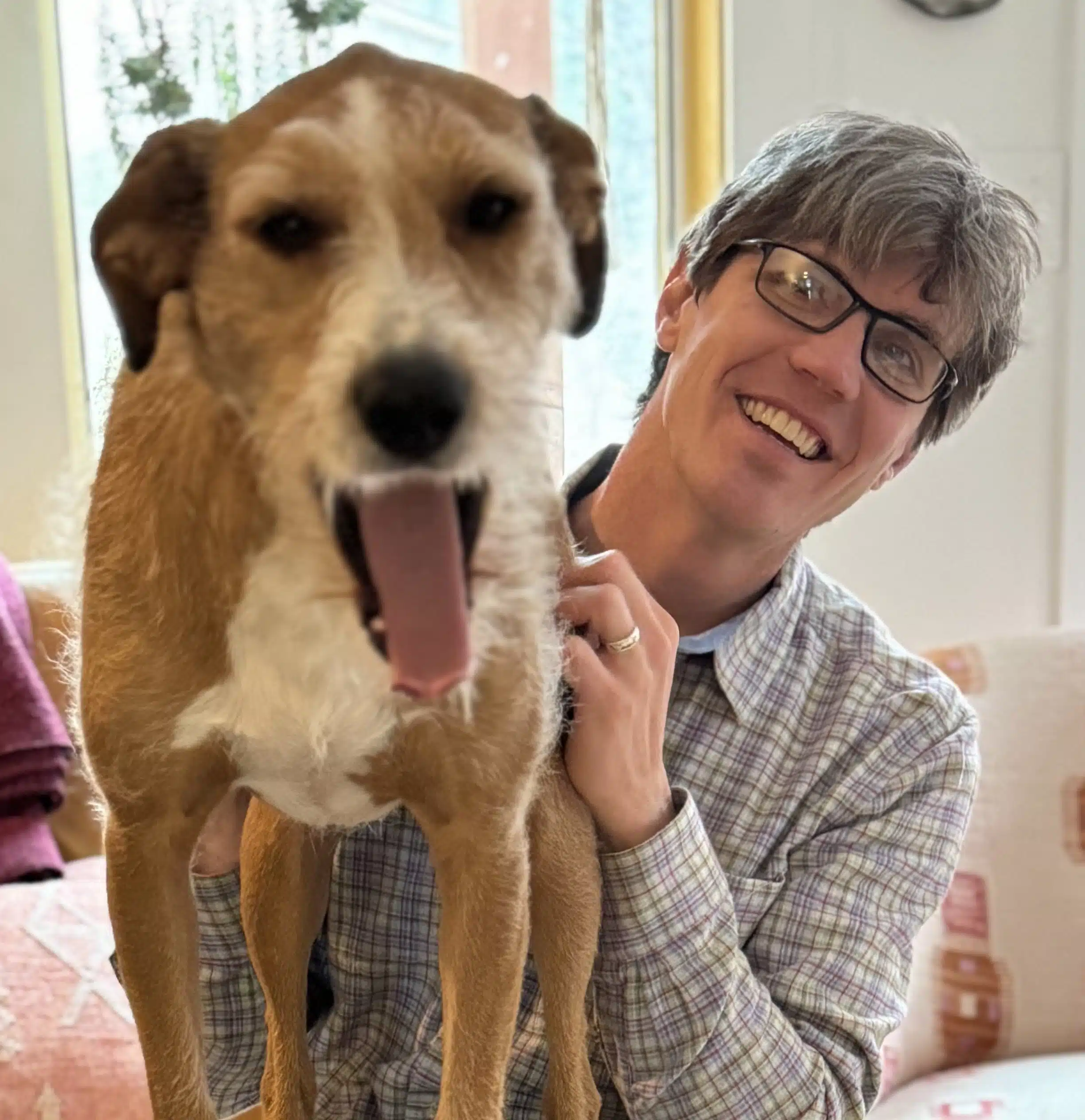
Hi, I’m Benji, founder and CTO of Good People Technologies in Asheville, NC. We help small and mid-sized businesses put AI to work safely and connect it to the systems they already run, from QuickBooks to NetSuite.
For over a decade, we’ve helped businesses solve complex operations and technology problems. When not working, I’m hiking or enjoying rivers in western North Carolina with my wife and two dogs.