Zapier AI agents changed shape in October 2026. Zapier Agents, which used to be a separate product with its own activity limits, now lives inside AI by Zapier as a step you add to a normal Zap. If you set up an agent last year, it still runs, but the way you build, control and pay for new ones is different.
This guide covers what changed, what happens to existing agents, how the new agent step works, good first uses for a small business, and the guardrails to set before an agent touches customers or money.
What changed with Zapier AI agents
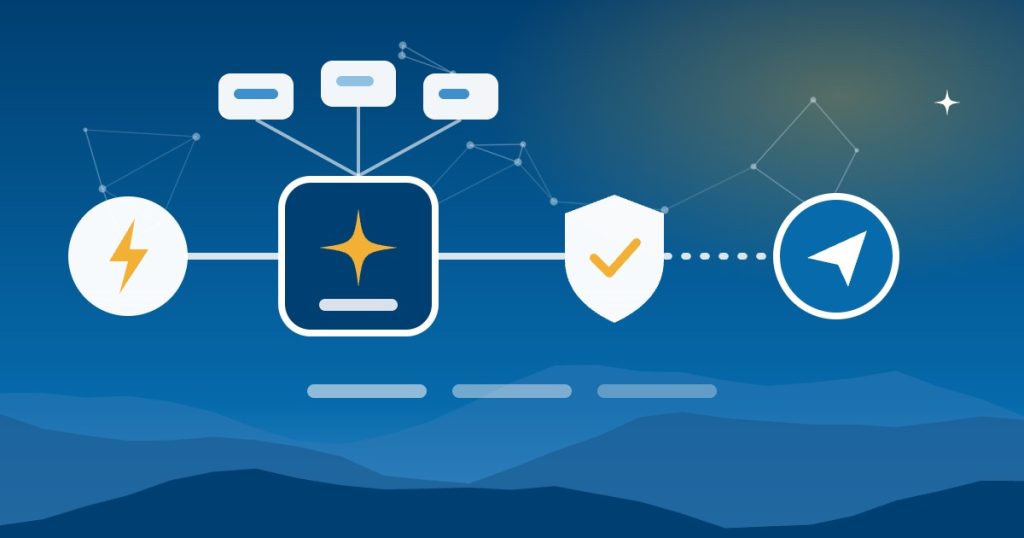
On October 6, 2026, Zapier announced on its blog that Zapier Agents is now AI by Zapier. The agent “now lives inside a single AI step in the Zap editor.” In practice, the old parts of an agent map onto familiar Zap features:
| Before | Now |
|---|---|
| Agent instructions | The prompt in an AI by Zapier step |
| Agent tools | A tools picker inside that step |
| Schedules and webhooks | Standard Zap triggers |
| Chat or on-demand agents | A webhook trigger |
| One agent calling another | Sub-Zaps |
Because the agent is now a step in a Zap, it can sit next to filters, paths and regular actions. As a result, you can let AI handle the part that needs judgment and keep the rest of the workflow as fixed rules.
Billing changed too. AI steps bill as tasks, like the rest of Zapier, so there’s no separate Agents subscription or add-on. Zapier says default models are free, while other model tiers cost more: a step may use one, three or five tasks.
What happens to your existing Zapier Agents
Nothing breaks yet. According to Zapier’s migration guide, “Zapier has not set a date to turn off Agents yet,” and it will email affected users before anything changes. Migration turns each agent into a Zap with a trigger and one AI by Zapier step that holds the prompt, instructions and tools.
A few things don’t carry over cleanly yet:
- Chat or on-demand agents have no direct trigger equivalent. Zapier suggests a webhook trigger as a workaround.
- Agents that call other agents need the Sub-Zap by Zapier trigger instead.
- Some knowledge sources, including HubSpot, Asana, Zendesk, Zoom and Jira, aren’t supported in AI by Zapier yet. Zapier plans to add them in the fourth quarter of 2026.
Until you migrate, old agents keep using activities. Zapier’s usage page lists 400 activities a month on the free plan and 1,500 on Pro.
How a Zapier AI agent step works
The new step has four parts you control:
- A prompt that tells the agent its goal and how to behave.
- Tools, which are the actions it’s allowed to take. The AI can suggest which tools it needs, and you can edit the list.
- Approvals. Each tool has a “Require approval before running” setting. For example, you can let the agent look up records on its own but require approval before it sends a message.
- A model tier. Zapier offers Standard, Advanced and Premium tiers, or a specific model.
Every run is also logged in Zap History, including the tools it called and the tasks it used. In addition, a run that goes over its per-run task limit pauses for review. The limit defaults to 75 tasks, and you can raise it to 500.
Good first uses for a small business
These are examples of where a Zapier AI agent step tends to earn its keep, because each one involves reading something messy:
- Lead triage. A new web form arrives, the agent looks up the company, scores the lead and drafts a reply, and a person approves the reply.
- Shared inbox sorting. The agent reads each email, decides whether it’s a quote request, a complaint or an invoice, and routes it to the right person.
- A morning summary. The agent pulls yesterday’s orders, calendar and flagged emails into one short message. Our guide to AI briefing tools compares this with the assistants’ own scheduled briefings.
- Overdue invoice follow-ups. The agent drafts a polite reminder for each overdue invoice, and someone approves it before it goes out. Our guide to automating invoicing in QuickBooks Online covers the rules.
Zapier AI agents vs regular Zaps
Not every job needs an agent. If the steps are the same every time, like copying a Shopify order into your accounting system, a regular Zap is cheaper and more predictable. Our guide to choosing between an agent and a regular automation explains how to decide. Now that agents live inside Zaps, the usual answer is both: fixed steps for the predictable parts and one AI step where judgment is needed.
Guardrails before an agent touches customers or money
- Require approval for anything that sends, pays or deletes. Leave read-only tools, like lookups, to run on their own.
- Give the agent only the apps it needs. An agent that sorts support email doesn’t need your accounting system.
- Set a sensible task limit per run, so a confused agent can’t burn through your plan.
- Review Zap History weekly at first. Check a sample of what the agent did, not just whether it ran.
- Write the rules down. Our AI use policy template includes a section on AI connections and agents.
Getting help in Asheville and across North Carolina
Good People Technologies provides Zapier support services and AI implementation for small businesses in Asheville, Western North Carolina and across the state. We can migrate existing agents, build new AI steps with the right approvals and keep them running. To talk it through, start with a free 15-minute operations and technology audit.
Frequently asked questions
Is Zapier Agents going away?
It’s moving into AI by Zapier. Zapier hasn’t set a date to turn off Agents and says it will email users before anything changes, but new agents are built as AI steps inside Zaps.
Do Zapier AI agents cost extra?
Not as a separate add-on anymore. AI steps bill as tasks on your Zapier plan. Default models are free, while advanced models use more tasks per step.
Can it ask for approval before it acts?
Yes. Each tool in an AI by Zapier step has a “Require approval before running” setting, so you can let it read freely but approve anything it sends.
Can I still chat with an agent on demand?
Not directly yet. On-demand, chat-triggered agents have no direct trigger in AI by Zapier, so Zapier suggests using a webhook trigger to run the agent when you need it.
Sources, checked November 2026: Zapier’s announcement of the change, Zapier Help on migrating existing agents and how Agents usage is measured.

Hi, I’m Benji, founder and CTO of Good People Technologies in Asheville, NC. We help small and mid-sized businesses put AI to work safely and connect it to the systems they already run, from QuickBooks to NetSuite.
For over a decade, we’ve helped businesses solve complex operations and technology problems. When not working, I’m hiking or enjoying rivers in western North Carolina with my wife and two dogs.