How do I use AI to find which emails need me today?
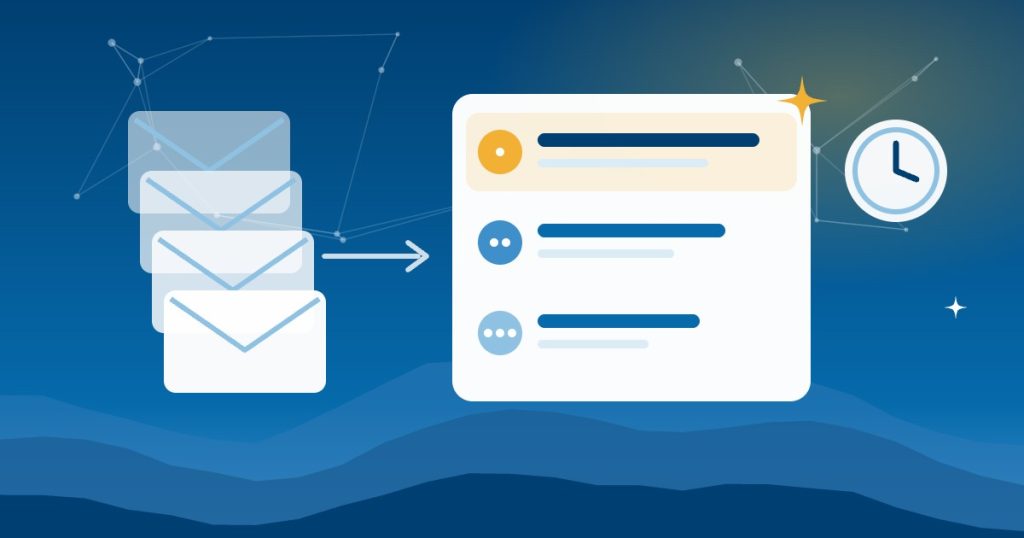
AI email prioritization starts with a better question. Don’t ask AI to summarize your inbox. Ask it which people are still waiting on a reply from you and what happens if you wait another day. That turns hundreds of messages into a short ranked list you can act on in minutes.
Four hundred unread emails is normal for a busy owner. The trouble, however, is not the number. It is that you end up answering the loudest message, not the most important one.
Most people’s first try with AI is “summarize my inbox.” That gives you a shorter version of the same pile. So you still have to decide what matters. The better question is a ranking question, not a summarizing one.
What should I ask AI instead of “summarize my inbox”?
Instead of “what’s in my inbox,” ask “who is still waiting on a reply from me, and what happens if I don’t answer today?” That turns a wall of mail into a decision.
What prompt finds the emails that need a reply?
Read my last 7 days of email. List the 5 threads where someone is still waiting on a reply from me. For each thread, give me:
- Who is waiting
- What they asked
- How long it has been
- What happens if I don’t answer today
Rank by consequence, not date.
Google Workspace and Microsoft 365 now include an AI assistant, and many businesses already pay for one without using it. Point it at your mailbox and paste the prompt in. For example, Gemini in Gmail or Copilot in Outlook can run AI email prioritization on the inbox you already have.
What changes when AI ranks your inbox?
With AI email prioritization, you get three to five lines every morning, each with a name and a reason. It also makes a good first section of a full AI morning briefing. The backlog does not disappear, but it stops being the thing you sort by hand. Clients who are waiting get an answer first; newsletters and noise wait.
Is it safe to let AI read business email?
- Check the first week. Open the threads it picks and confirm it got them right.
- Drafts, not sends. Let AI draft a reply if you like, but you press send.
- Use a business plan. Free AI tiers may use what you type to train their models. If client details are in your inbox, use a business-tier plan and check its terms.
When does inbox AI need outside help?
However, this tip works inside one mailbox. Many businesses have more than one place where clients reach them:
- A shared info@ box that three people watch
- A personal inbox
- Text messages
- The CRM
The misses that cost the most happen between them. A client emails the shared box and nobody owns it. Six weeks later the CRM still shows no contact. Reading those together is where a little setup pays off. Our guide to how AI catches the misses between your business tools shows what that looks like.
Frequently asked questions
What is AI email prioritization?
It means asking an AI assistant to rank your email by who is still waiting on you and what happens if you wait, instead of summarizing everything. As a result, you answer the messages that matter first.
Can AI read my Gmail or Outlook inbox?
Yes. Gemini works inside Gmail on Google Workspace business plans, and Copilot works inside Outlook on Microsoft 365. Check that your plan keeps your data out of model training.
Should AI reply to emails for me?
Let it draft, not send. You read every reply and press send yourself.
How do I know the AI picked the right emails?
For the first week, open each thread it lists and confirm it belongs there. After that, if the picks hold up, check less often.
Benji Burrell, the Mountain AI Guy, shared this tip at the Asheville Area Chamber Smart Series. Good People Technologies helps small businesses put AI to work safely across:
- Western North Carolina
- East Tennessee
- Upstate South Carolina
Want help with the harder ones? Book an AI readiness call.

Hi, I’m Benji, founder and CTO of Good People Technologies in Asheville, NC. We help small and mid-sized businesses put AI to work safely and connect it to the systems they already run, from QuickBooks to NetSuite.
For over a decade, we’ve helped businesses solve complex operations and technology problems. When not working, I’m hiking or enjoying rivers in western North Carolina with my wife and two dogs.