How do I turn a meeting into tasks with AI?
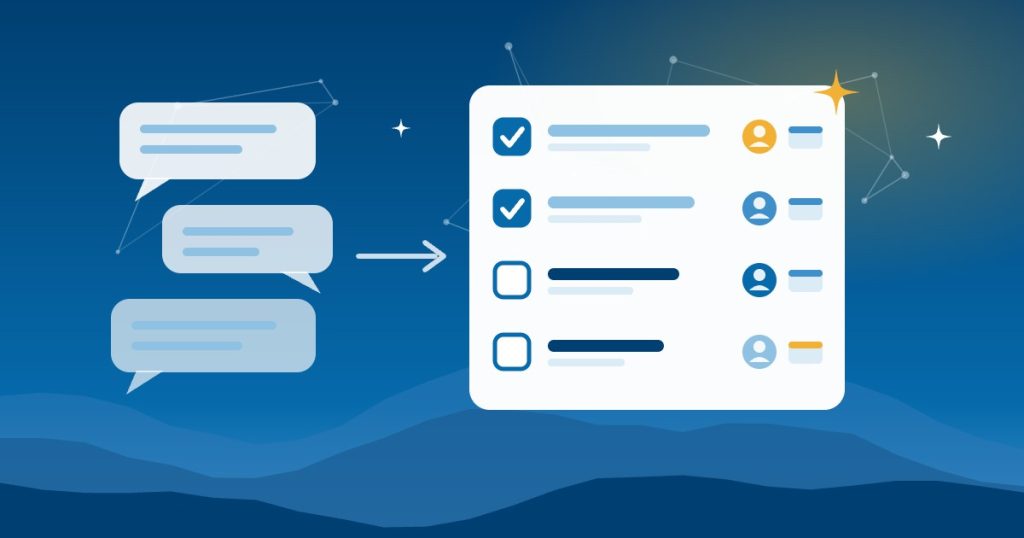
To get AI meeting action items, record or transcribe the meeting, then ask your AI assistant for every commitment instead of a summary. For each one, ask for the owner and the deadline. Also ask for the exact quote, so you can check each one in seconds.
A good meeting ends with four decisions. By Thursday, nobody remembers who owned which one. People do not speak in tasks. They say “I’ll look into that” and “we should probably call them,” and those turn into nothing.
AI is very good at finding those half-commitments, if you ask for commitments instead of notes.
Why ask AI for commitments instead of a meeting summary?
Meeting summaries are pleasant to read and easy to ignore. What you actually need is a list of who promised what, by when. Record or transcribe the meeting – many video and calendar tools do this already – then hand the transcript to your AI assistant.
What prompt pulls action items out of a transcript?
Here is a meeting transcript. Pull out every commitment someone made, including vague ones like “I’ll look into that.” For each commitment, give me:
- Owner
- What they committed to
- Deadline, if one was said
- The exact quote
Flag anything that was decided but that nobody owns.
Why should AI quote what was said?
The quote lets you check the AI in seconds. If a line looks wrong, read what was actually said. That one habit is what makes the output trustworthy enough to act on.
What do you get after every meeting?
You leave every meeting with a short table of AI meeting action items, each with an owner and a date. Use it however suits your team:
- Read it on screen
- Drop it into a spreadsheet
- Push it into your task app
The “nobody owns this” flags are often the most useful line – they catch the decision that would have quietly died. The payoff: nothing gets decided twice because nobody wrote it down the first time. Open commitments from yesterday’s meetings also belong in your AI morning briefing.
Is it safe to give AI a meeting transcript?
- Tell people the meeting is recorded. Simple courtesy, and in some places a legal requirement. Our guide to AI meeting notes and recording consent in North Carolina covers the rules.
- Keep client calls on a business plan. Free tiers may train on what you upload.
- Review before you send. If the list goes to the client, read it first.
Can meeting tasks go straight into my project tool?
However, copying AI meeting action items into a task app by hand is one step too many for most teams. Connecting the transcript to your project tool or CRM so tasks land there automatically is a small integration job – and it is the difference between a habit that sticks and one that fades by March.
Frequently asked questions
What are AI meeting action items?
They’re the commitments an AI assistant pulls out of a meeting transcript, each with an owner, a deadline if one was said, and the exact quote behind it.
Which tools record and transcribe meetings?
Many business plans for the major video meeting tools include transcripts. Check which plan you have before you buy a separate tool.
Do I need permission to record a meeting?
Always tell people. In North Carolina one party’s consent is enough, but other states require everyone’s consent, so tell everyone on calls that cross state lines.
What if the AI gets an owner wrong?
Read the quote next to it. If the quote doesn’t support the line, fix it before you share the list.
Benji Burrell, the Mountain AI Guy, shared this tip at the Asheville Area Chamber Smart Series. Good People Technologies helps small businesses put AI to work safely across:
- Western North Carolina
- East Tennessee
- Upstate South Carolina
Want help with the harder ones? Book an AI readiness call.
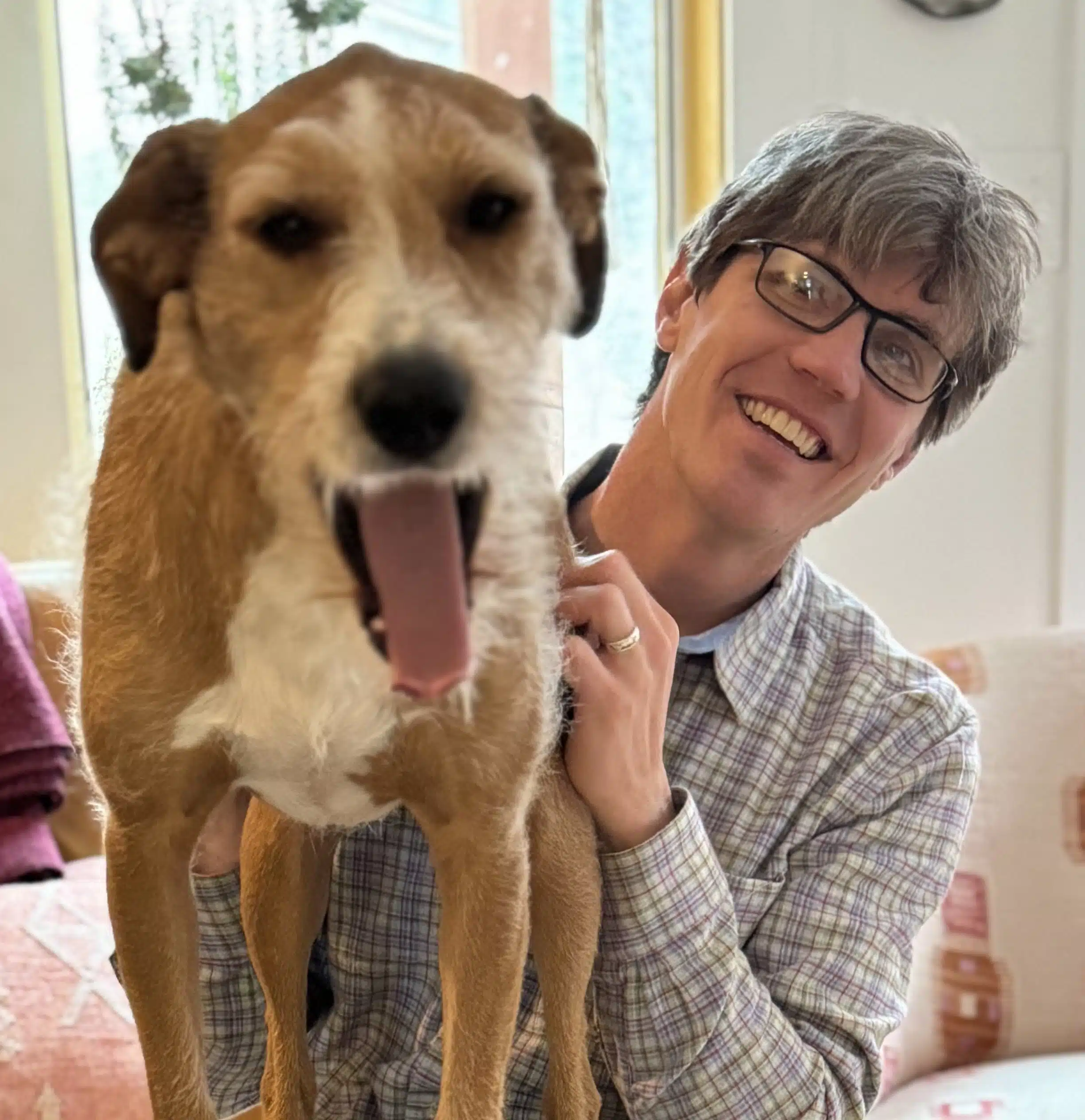
Hi, I’m Benji, founder and CTO of Good People Technologies in Asheville, NC. We help small and mid-sized businesses put AI to work safely and connect it to the systems they already run, from QuickBooks to NetSuite.
For over a decade, we’ve helped businesses solve complex operations and technology problems. When not working, I’m hiking or enjoying rivers in western North Carolina with my wife and two dogs.